Trace Evidence: Bringing Crash Dumps and Support Bundles Into the Data Map

Photo: Justin Connaher, Public domain, via Wikimedia Commons
A crashed application is rarely generous with explanations. It leaves a dump, a log, a screenshot or a support bundle, and someone forwards the whole package to a vendor or an internal helpdesk. The stack trace may be the least sensitive part. The same file can carry usernames embedded in file paths, document titles, URLs with session tokens, fragments of customer records, email addresses and screenshots of a half-finished form. For a UK SME, these artefacts accumulate quietly across endpoints, ticketing systems and vendor portals. They are diagnostic breadcrumbs, and they deserve a place on the data map.
Begin with a source inventory, not a tool purchase
A crash-reporting platform is only one source. List the places where diagnostic material is created or stored: endpoint crash reporting, application telemetry, server and database logs, mobile app SDKs, support-bundle generators, IT service management attachments, email attachments, developer laptops, browser console captures and vendor support portals. For each source, record the owner, the location, the approximate volume, who can access it and how long it is kept. This register does not need to be elaborate. A spreadsheet with a named owner per row is more useful than a policy that nobody can apply.
The inventory should also note the route the data takes. A support bundle may be created on a laptop, attached to a ticket, downloaded by a vendor engineer and stored again in a vendor case-management system. Each hop is a separate retention decision.
Sample the payload before trusting the label
Do not assume that a file called error.log or diagnostics.zip contains only technical metadata. Take a small sample of recent bundles, open them in an isolated environment and inspect the contents. Look for direct identifiers such as names, email addresses, machine names and IP addresses. Look for indirect identifiers such as office location, department, client name in a file path or a document title. Look for credentials: API keys, authorisation headers, session identifiers and connection strings. Look for fragments of customer data in debug logs, request bodies or screenshots.
Classify what you find. A username in a path is personal data. A session token is a security incident waiting to happen. A screenshot of a customer record may contain special category data. If credentials are present, treat the finding as a security event and rotate them rather than simply deleting the file.
Ask why each field is there
The most effective control is minimisation at the point of collection. Many applications log at verbose levels during development and never reduce that setting in production. Support-bundle tools often collect entire directories because it is easier than deciding what matters. Set a rule: diagnostic data should contain enough context to reproduce a fault, but not raw request bodies, full URLs with query strings, home-directory paths or authentication material. Redaction should happen before the bundle leaves the user's device or the application server.
Where redaction is not possible, use allowlists. A support bundle that includes only named log files and a system summary is safer than one that zips a whole profile. Developers need written guidance and a test case, not a vague instruction to be careful.
Set retention by source, not by convenience
Diagnostic material often has no deletion date because nobody owns it. Assign one. Crash dumps may need only a few weeks for triage. Aggregated error telemetry may be useful for a quarter. A support bundle attached to a resolved ticket should be deleted when the ticket closes, unless it is needed for a legal or disciplinary matter. Vendor-held case data should be covered by the contract and deleted on a defined schedule.
Document the rationale. Storage limitation is not about deleting everything quickly; it is about keeping personal data no longer than necessary for the purpose. If a bundle is retained for product improvement, say so and set a period. If it is retained for security investigation, separate it from routine support data.
Control access and movement
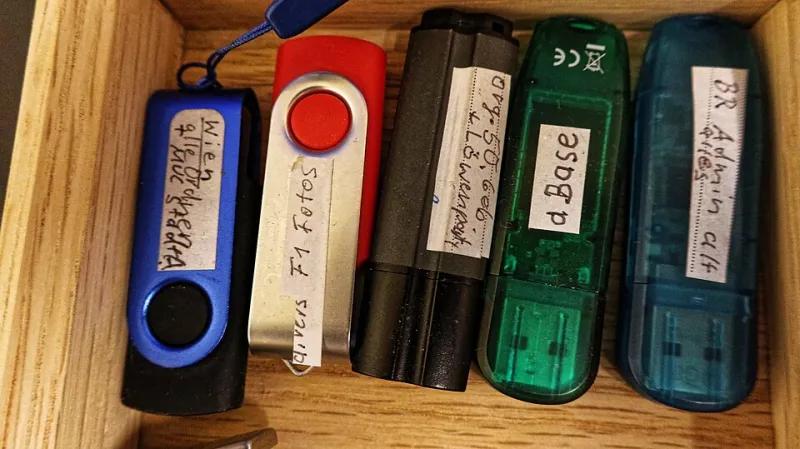
Diagnostic files are frequently moved by email, personal cloud accounts and removable media because that is convenient. Restrict access to named support staff, use a secure upload channel and log who downloads what. Vendor support should be covered by a data processing agreement, with clear subprocessors and deletion commitments. If a bundle is sent overseas, record the transfer mechanism. Avoid posting diagnostic files in public forums or community chat channels.
Rehearse the routine quarterly
Pick one recent crash and follow its data from creation to deletion. Did the redaction work? Did the ticket attachment disappear on schedule? Did the vendor confirm deletion? Were support agents able to explain the retention rule? Update the register and the guidance. Add diagnostic leaks to the breach-response playbook, because a lost support bundle containing customer data is not merely an IT inconvenience.
Crash reports are evidence of failure, but they are also records. Map them, minimise them and expire them. That is how a diagnostic breadcrumb stops becoming an unmanaged personal-data store.